Introduction
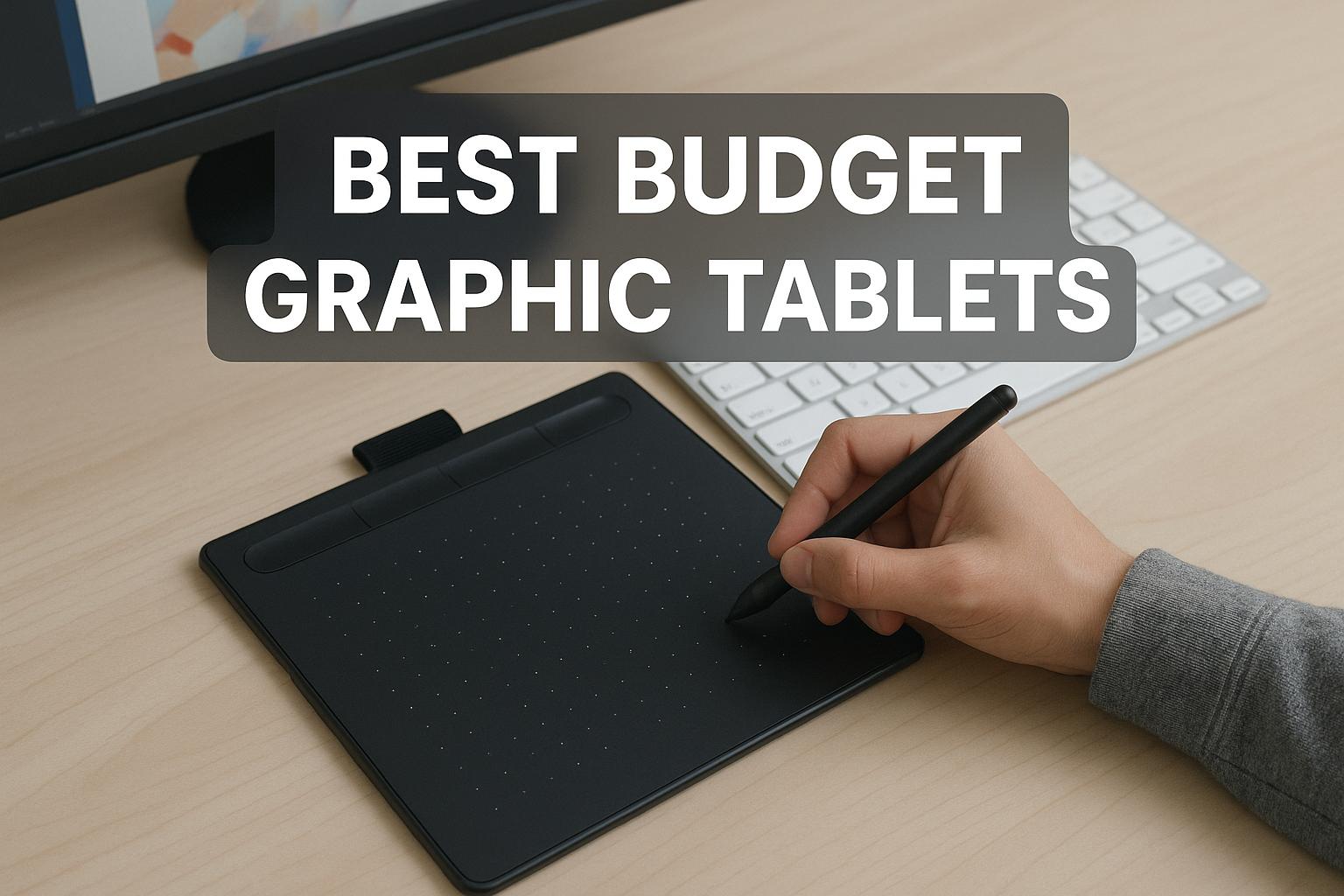
Graphic tablets have become integral tools for professionals in the fields of art, design, and photography. With the increasing demand for digital creativity, these devices cater to a wide range of needs, from novice artists to seasoned professionals. While top-tier models boast an array of advanced capabilities, there are many affordable alternatives that strike an optimal balance between cost and performance. This article delves into some of the most exceptional budget-friendly graphic tablets currently on the market, emphasizing their primary features and advantages for users.
Factors to Consider
Deciding on a budget graphic tablet extends beyond simply weighing the cost. There are several critical specifications to consider that impact the device’s performance and the user experience significantly. Here, we explore an array of relevant factors such as active area size, pressure sensitivity, resolution, and connectivity options. Understanding these features can help users select the most suitable tablet for their needs.
Active Area Size
The active area is the specific section of the tablet where drawing and creative production occur. Artists engaging in detailed projects may benefit substantially from a larger active area as it provides an expansive workspace. Conversely, a more compact tablet is easier to transport and suits environments where space is at a premium. Consequently, when evaluating active area sizes, users should consider their individual needs regarding workspace and convenience.
Pressure Sensitivity
Pressure sensitivity is an essential characteristic that defines the tablet’s responsiveness to variations in pressure during drawing. Tablets with higher pressure sensitivity levels offer enhanced flexibility. This feature permits varied line thickness and nuanced shading, amplifying the artistic potential of the user. Artists favor tables with fine pressure sensitivity for a more expressive and controlled creation process.
Resolution
Resolution, measured in LPI (Lines Per Inch), dictates the precision of a tablet’s output. Higher resolutions correspond to more accurate renderings, enabling users to achieve fine details in their digital artwork. For artists who focus on intricate and elaborate projects, a tablet with high resolution is crucial, ensuring that the final digital representation mirrors their artistic vision with great fidelity.
Connectivity Options
Graphic tablets typically facilitate connection to computers through either USB cables or wireless setups. USB connections generally offer stable and consistent performance, mitigating interruptions during intensive sessions. On the other hand, wireless connectivity affords greater flexibility and significantly reduces desk clutter, offering a tidier and more organized workspace. The choice of connectivity should align with the user’s workflow preferences and technical setup.
Recommended Budget Graphic Tablets
Wacom Intuos
The Wacom Intuos stands out in the mid-range market due to its commendable build quality and robust performance. Featuring a sufficient active area and 4096 levels of pressure sensitivity, it is perfectly suited to both beginners and those with an intermediate proficiency in digital art. Its seamless compatibility with both Windows and Mac systems enhances its appeal, ensuring a user-friendly experience across platforms. Wacom’s long-standing reputation for reliability adds further credence to this model’s value proposition.
Huion H610 Pro V2
The Huion H610 Pro V2 wins favor among many users due to its competitive pricing coupled with strong performance metrics. It offers an extensive active area of 10 x 6.25 inches and boasts 8192 levels of pressure sensitivity, delivering an intuitive and fluid drawing interaction. Additionally, its lightweight nature is advantageous for artists who prioritize mobility, making it an excellent choice for on-the-go creativity without sacrificing functionality.
XP-Pen StarG640
The XP-Pen StarG640 caters to entry-level users and individuals who engage with digital art on a casual basis. Its compact design, incorporating a 6 x 4-inch active area and 8192 pressure sensitivity levels, ensures accessibility and ease of use. The slim profile simplifies both handling and storage, while the straightforward installation process accommodates users who are less technically oriented. For individuals prioritizing affordability and simplicity, the XP-Pen StarG640 serves as a perfect introductory tool.
Conclusion
Investing in a budget graphic tablet does not necessitate a concession in quality or performance. The value offered by models like the Wacom Intuos, Huion H610 Pro V2, and XP-Pen StarG640 demonstrates that affordable options can rival their more expensive counterparts in essential features. When selecting a graphic tablet, it is crucial to assess the various factors such as active area size, pressure sensitivity, resolution, and connectivity options to ensure that the chosen model aligns with both creative aspirations and budgetary limitations. Such careful consideration empowers artists to make a well-informed decision, matching a tablet to their specific demands and workflow.